







Shenzhen Daily News & Articles
Welcome to your Shenzhen news source putting daily information in the palm of your hand. Come back everyday to understand this rapidly changing China city. Our contributors bring into view the latest happenings, today and in the future.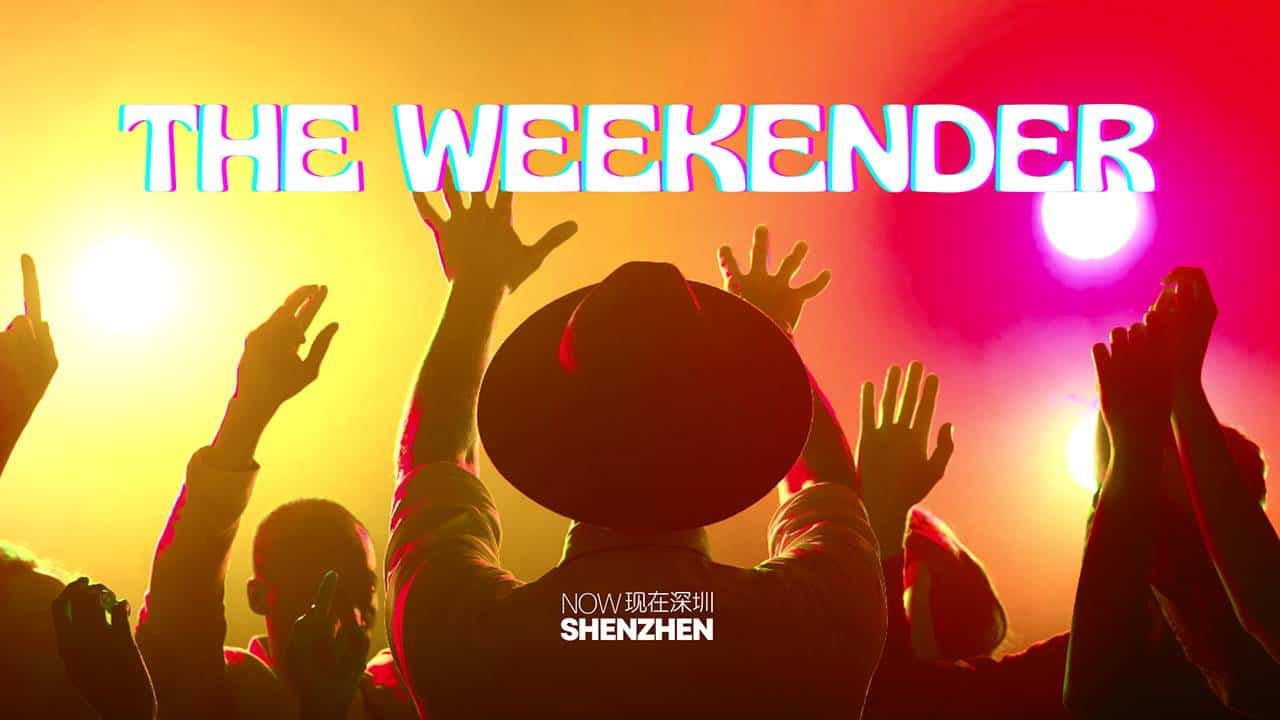
The NSZ Weekend-er – 4/25: Things to do this Weekend!
~ Your Ultimate Weekend Guide ~ BADHEAD 2024 Music Festival @ B10live – FutianDate: Thursday, April 25Time: 19:00 – OnwardsLocation: Nanshan – B10live Cost: 240…
Now Shenzhen | April 25, 2024
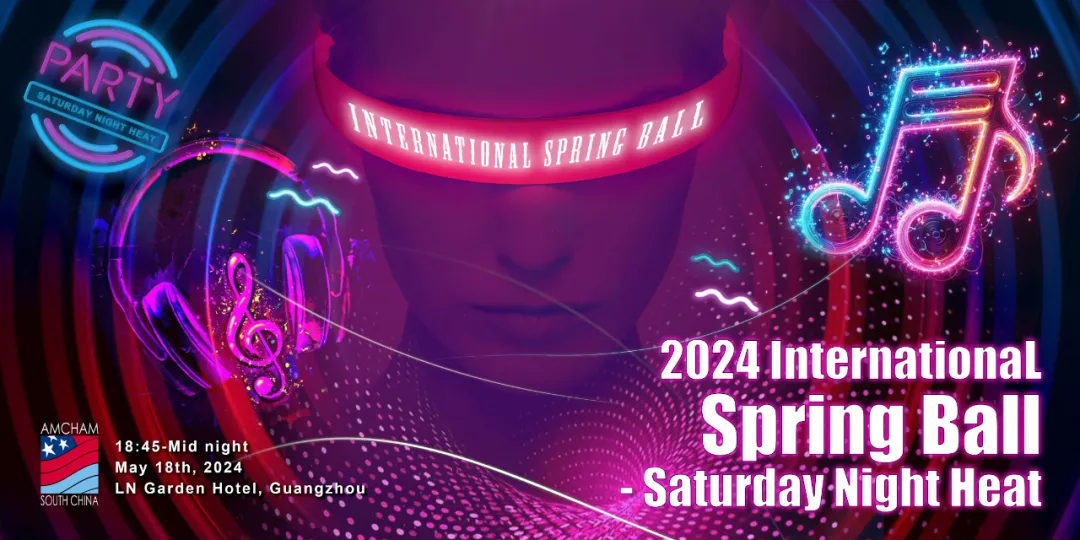
Individual Tickets On Sale!Int’l Spring Ball-Saturday Night Heat
Recap Video of Winter Ball 2023Click the image above to see the videoOur History Since 2006, different themes in each year…2006…
Now Shenzhen | April 25, 2024
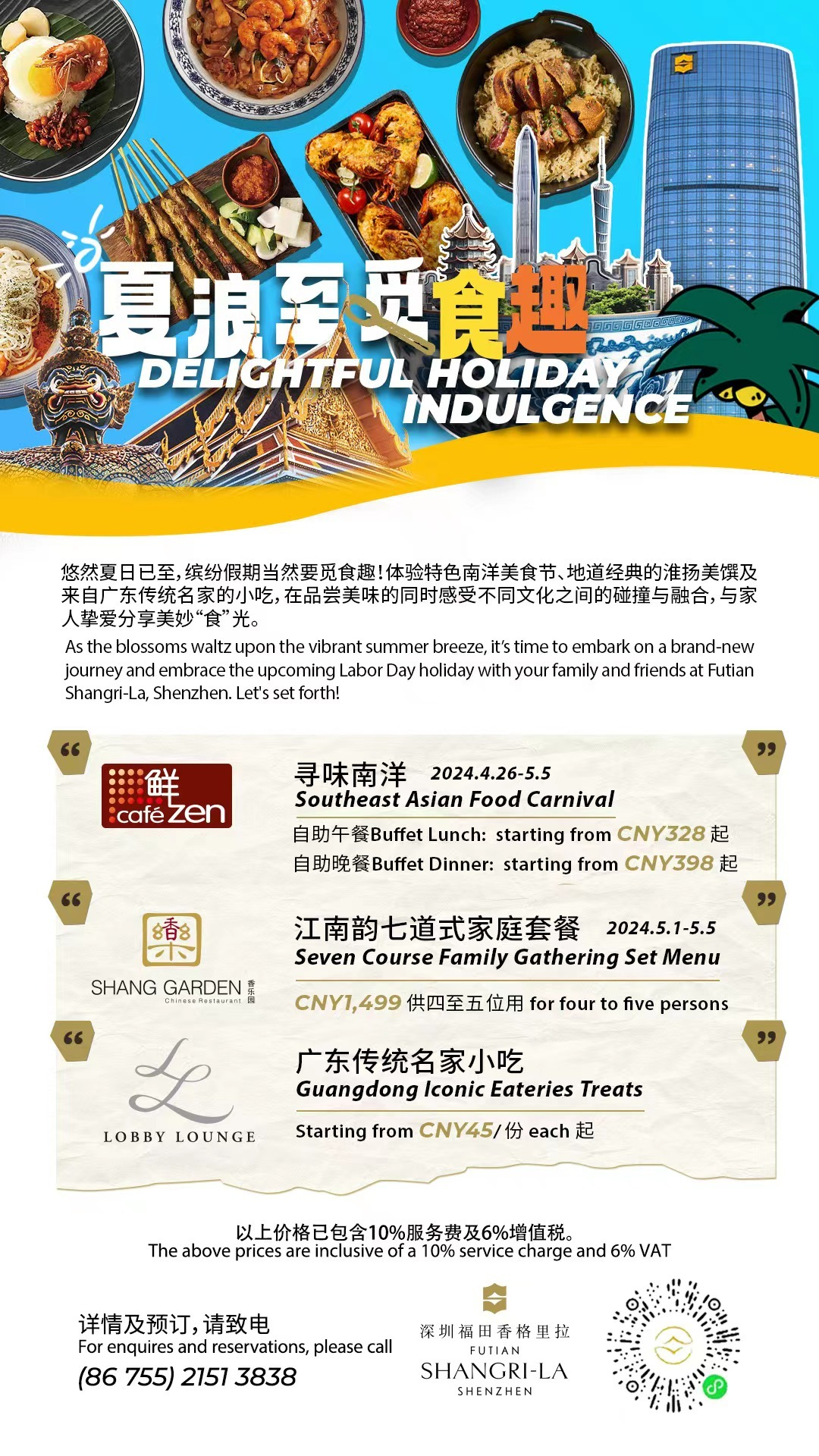
Your Urban Staycation Reserved @ Futian Shangri-La, Shenzhen
Summer has arrived, and it’s time to enjoy a variety of culinary delights during the holidays! At Futian Shangri-La, Shenzhen,…
Now Shenzhen | April 24, 2024
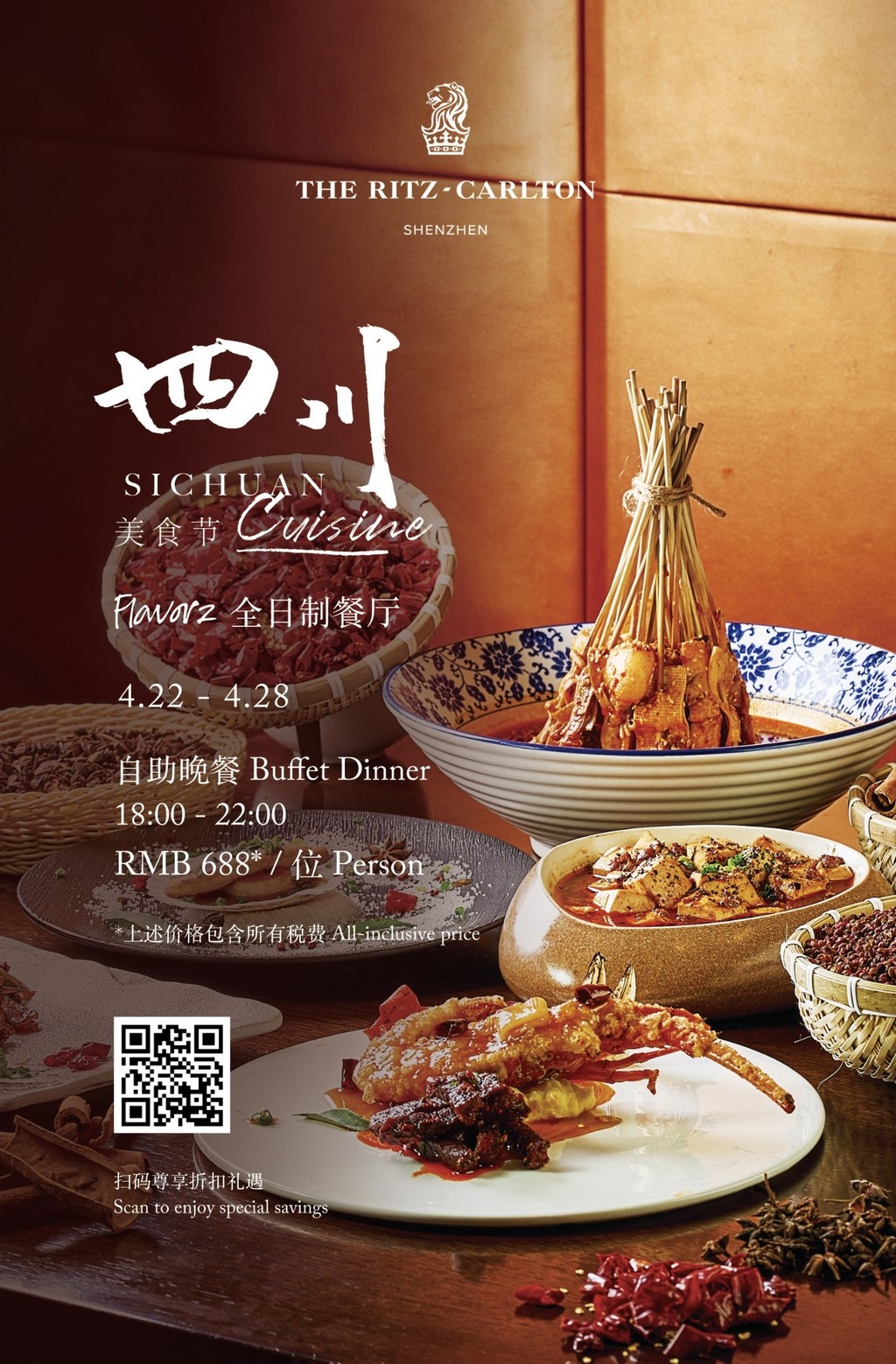
Flavorz All-Day Dining Restaurant-2F at The Ritz-Carlton, Shenzhen
“Join us for a taste sensation like no other! Our Sichuan cuisine extravaganza is a flavor-packed adventure waiting for you.…
Now Shenzhen | April 23, 2024
Latest News
Apr. 23, 2024
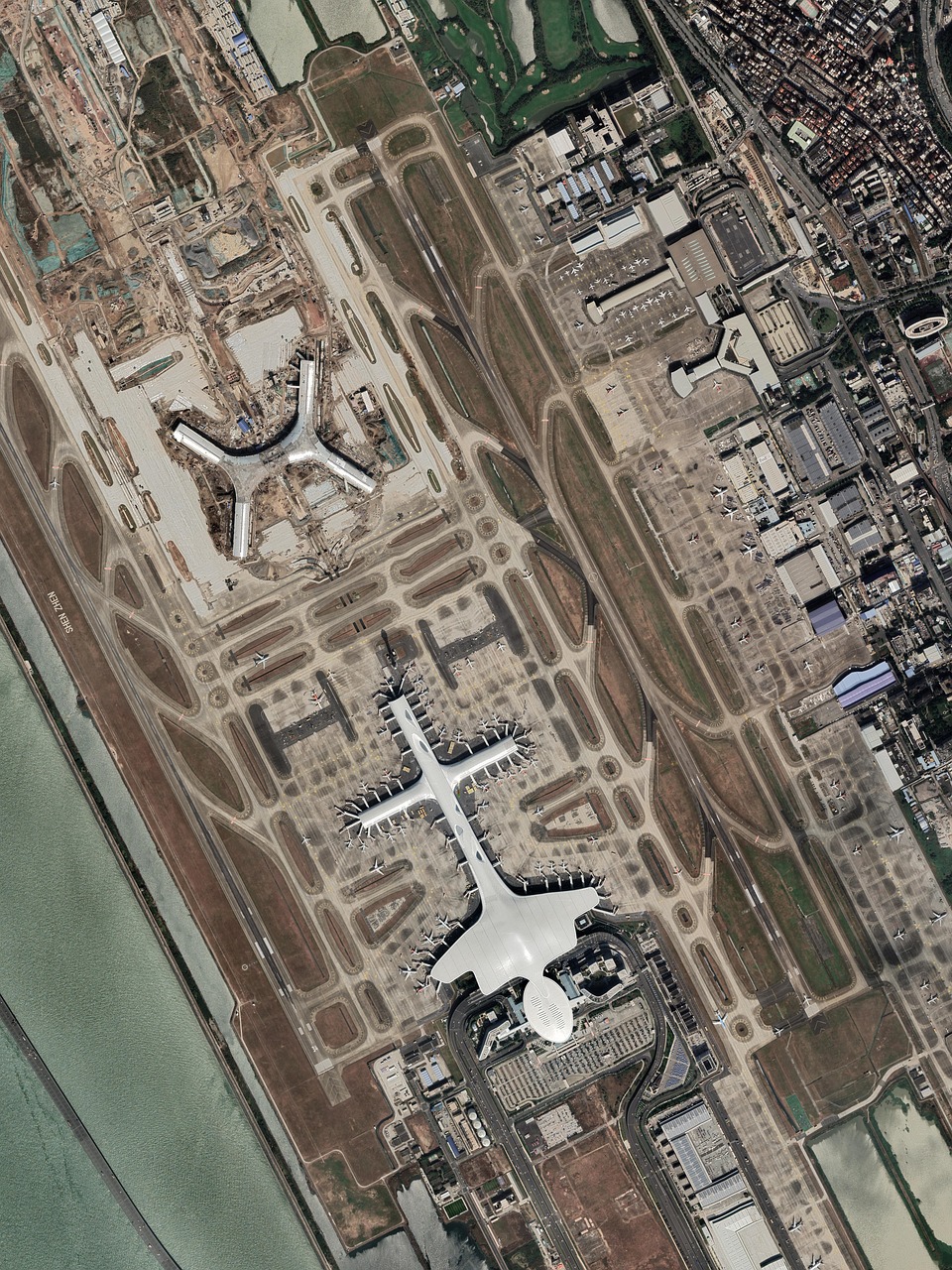
Airport adds new intl. cargo route

Apr. 23, 2024
Diverse events mark 60 years of Sino-French diplomatic ties

Apr. 23, 2024
SZ to pilot lifting foreign ownership limit in value-added telecom services
Apr. 23, 2024
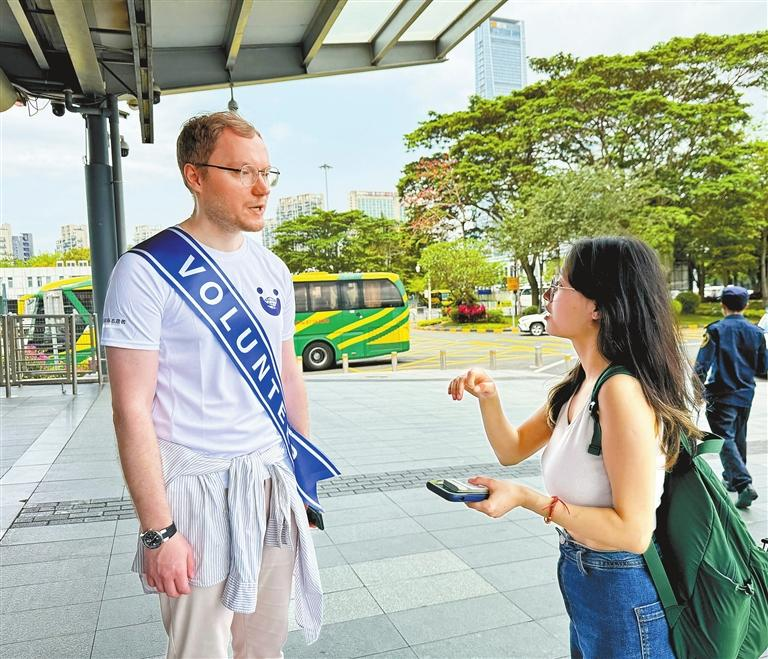
Expat volunteers offer support at checkpoint

Apr. 19, 2024
Heartfelt Messages : Celebrating 35 Years of Shekou International School
Apr. 18, 2024
The NSZ Weekend-er – 4/18: Things to do this Weekend!
Apr. 14, 2024
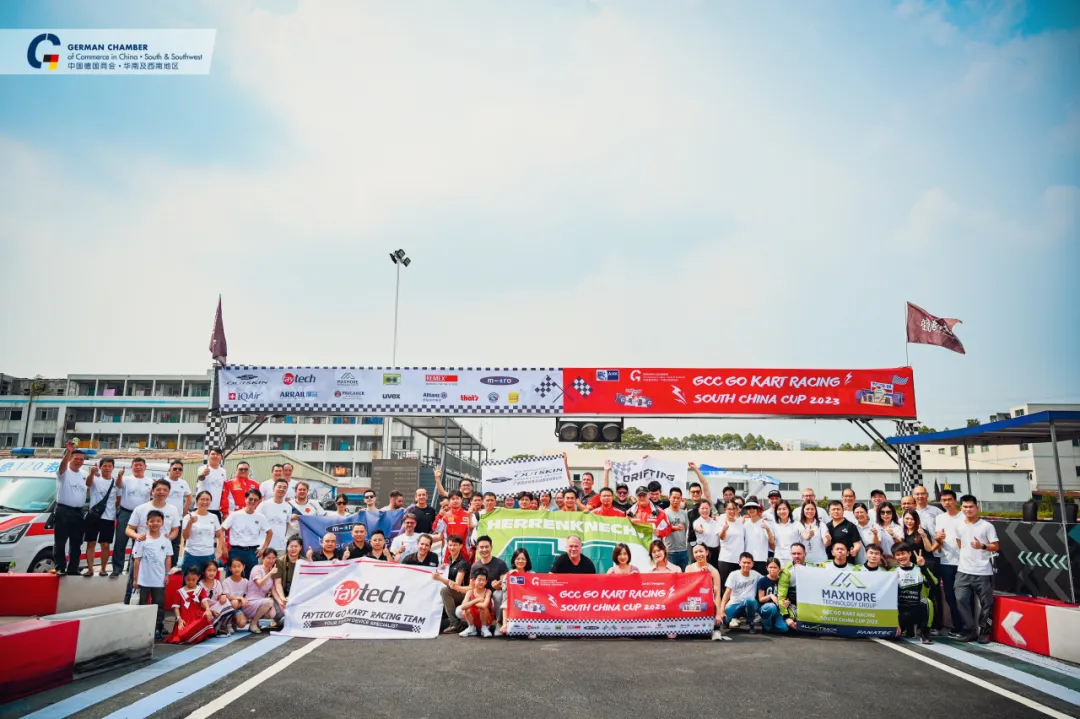
Prizes Preview! – Go Kart Racing 2024
Apr. 11, 2024
The NSZ Weekend-er – 4/11: Things to do this Weekend!
Shenzhen Apartments & Accommodations
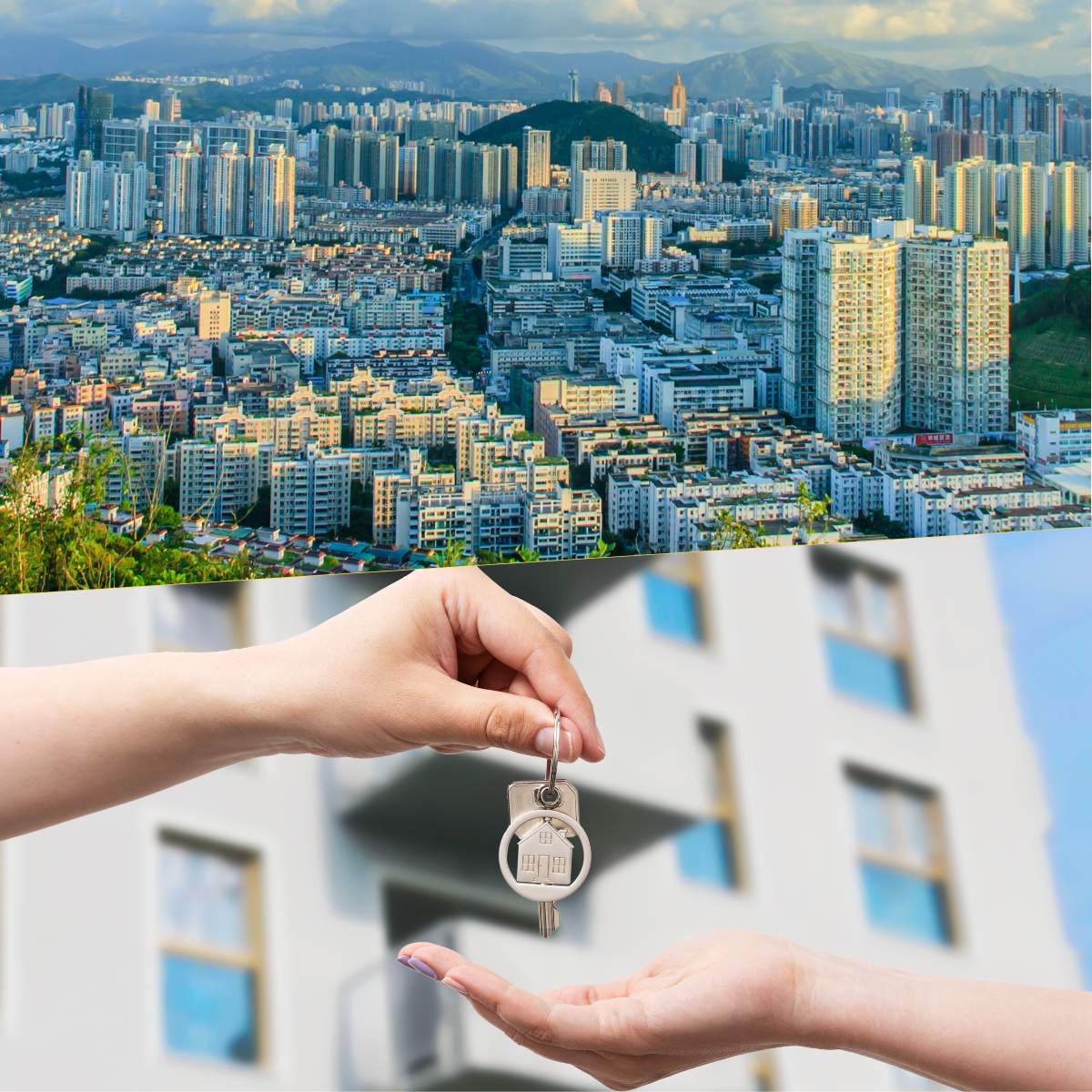
Home Sweet Shenzhen: Unveiling Apartments & Accommodations
Step into the world of comfort and convenience with Now Shenzhen's dedicated section on apartments and accommodations. Shenzhen, a city pulsating with energy, offers a plethora of housing options catering to diverse preferences. Our page acts as your personal guide, bringing you the latest in housing trends, neighborhood spotlights, and valuable insights. Whether you're a newcomer or a long-time resident, let us assist you in finding the perfect dwelling that aligns with your lifestyle. Your dream home in Shenzhen awaits!View Apartment Listings

Shenzhen Jobs
Shenzhen Careers Await
Navigate the dynamic world of employment in Shenzhen with Now Shenzhen's dedicated Jobs page. Whether you're a job seeker eager to explore new horizons or an employer looking for top talent, our platform is designed to bridge the gap between aspirations and opportunities. Uncover the latest job listings, career insights, and industry trends to make your professional journey in Shenzhen a success. Your next career move begins with us.View Job Listings
Shenzhen Events
Shenzhen Events Unveiled
Experience the dynamic spirit of Shenzhen through the lens of its diverse events and happenings. Now Shenzhen's Events page is your passport to the city's cultural richness, offering a curated selection of upcoming activities. Whether you're a culture enthusiast, a social butterfly, or simply looking for weekend plans, our comprehensive guide ensures you're in the know about the latest events shaping Shenzhen's vibrant community. Join us in exploring the myriad facets of this exciting cityscape.View Upcoming Events

Shenzhen Guides
Some of our most popular guides to the city. We charge ourselves with providing you with the most up to date and authoritative guides to our fast paced city. Leverage our extensive database of know-how to make your stay and travel in Shenzhen more efficient, worthwhile, and dare we say just a little less frustrating.Top shenzhen guides
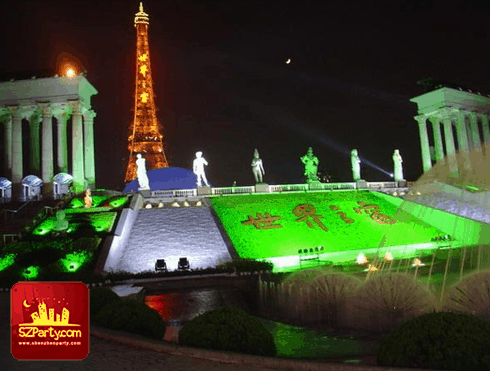
Cultural Attractions
Window of the World Shenzhen

Activities
Three Main Types of Foreign Investment Enterprises in China

Activities
Greek Handmade Traditional Halva, Health Benefits, Delicious Snack Recipe

Activities
Tips in Dating a Chinese Woman: How to Win a Chinese Woman’s Heart

Education
Mandarin Chinese Language Schools from Futian to Shekou
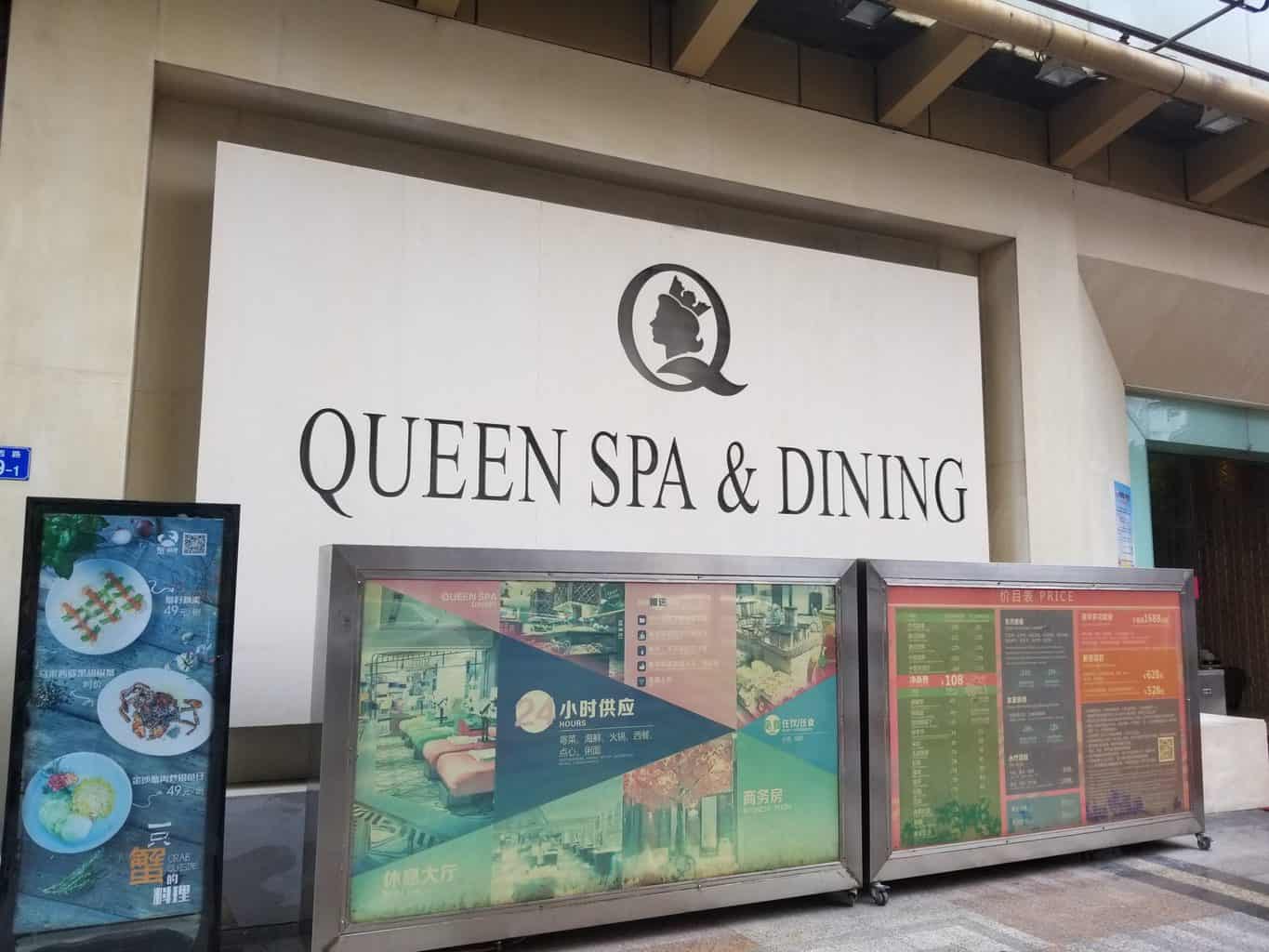
Spa/Massage
The Queen of Spas
Shenzhen Directory
See all the businesses in Shenzhen in one place.![Featured image for “[Closed] AKJ Stomatological Hospital”](https://nowshenzhen.com/wp-content/uploads/2022/05/NowSZ_Feature_Image_Directory.jpeg)
[Closed] AKJ Stomatological Hospital
Good Dental Care
[Closed] Beijing University Shenzhen Hospital
Probably the most modern hospital in Shenzhen.
[Closed] Dental Plus with Dr. Jeff & Dr. Emily
Dr. Jeff and Dr. Emily have now opened a new dental clinic conveniently located in the Nanshan CBD.
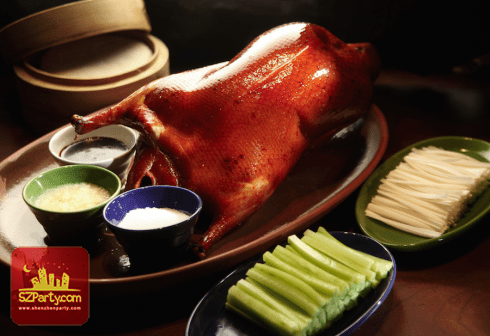
1881 Chinese Restaurant (Grand Hyatt Shenzhen)
1881, located on the ground floor of the hotel, 1881 set in a stylish yet casual setting, serves Northern Chinese and Sichuan specialities including Beijing duck and shrimp in “Kong Bao” style.
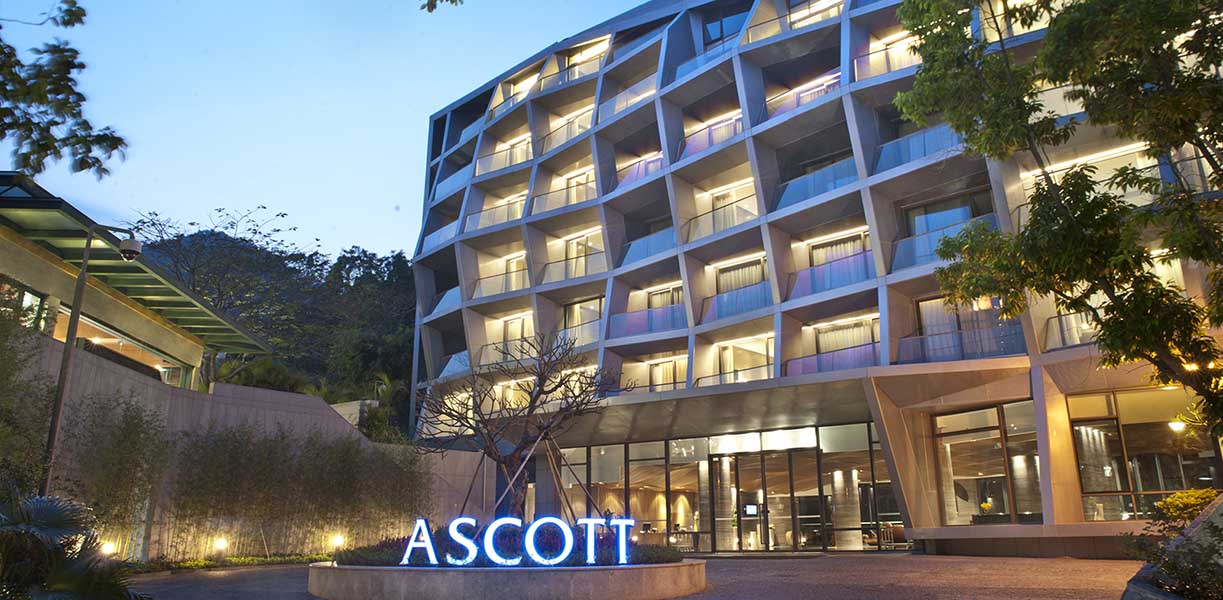
Ascott Aden Shenzhen
Ascott Aden Shenzhen is a collection of 10 blocks of luxury serviced residences well-appointed boutique hotel rooms.
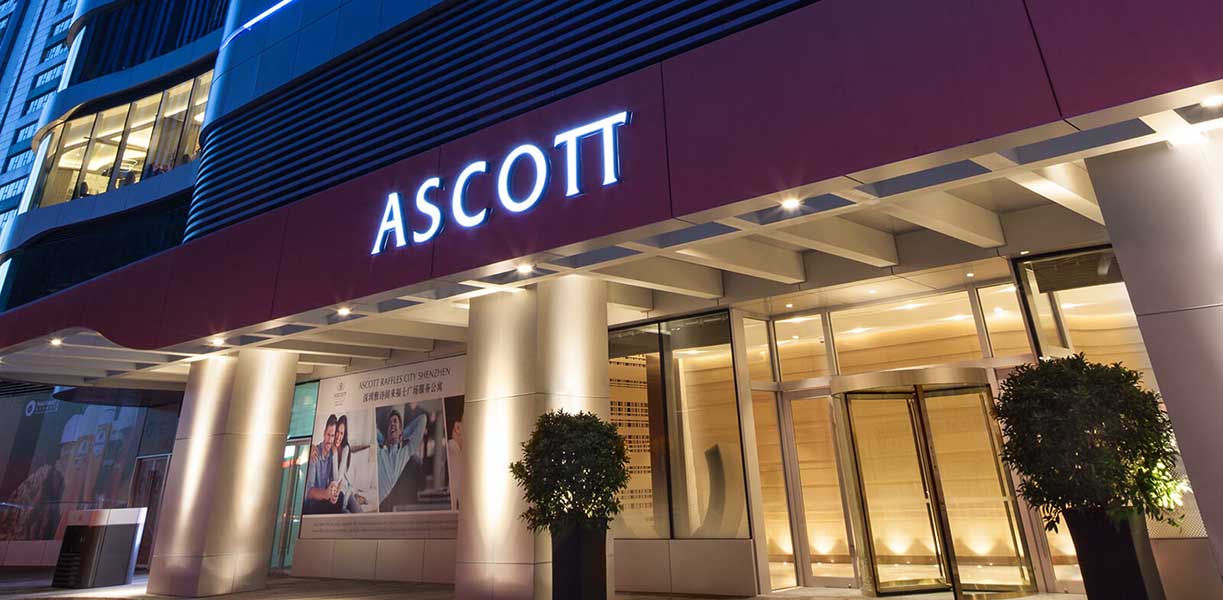
Ascott Raffles City Shenzhen
Located at the heart of Nanshan District, Ascott Raffles City Shenzhen offers 182 elegantly furnished apartments ranging from studio to three-bedroom for travelling business executives.
BEEPLUS
Bee+ is a space product brand that is positioned at the high end of Bee technology and leads young people's lifestyle.

Beijing Yingke Law Firm (Shenzhen Office)
Yingke is a full-service, international law firm, with its headquarters located in Beijing. Founded in 2001, Yingke Law Firm has already established a reputation in the Chinese legal services market.
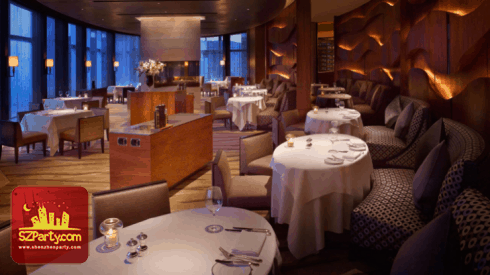
Belle-Vue Grill
Situated on the 37th floor of Grand Hyatt Shenzhen, Belle-Vue Grill introduces a classic dining experience in an elegant and comfortable setting.

BodyChefs
Committed to delivering excellence to the family of customers on the path to health and happiness.
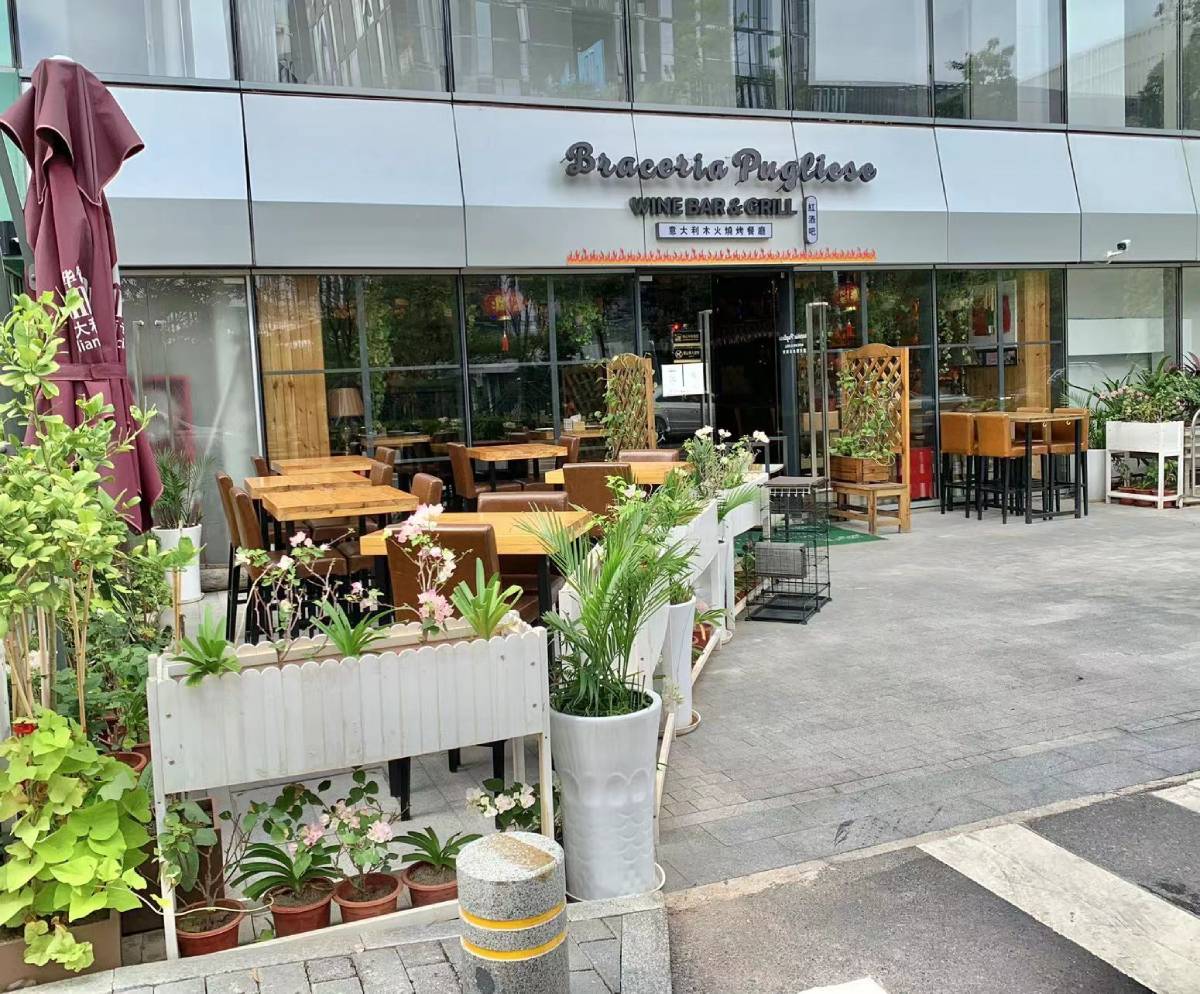
Braceria Pugliese
Putting a lot of Culinary effort , inspiration and Passion where Braceria Pugliese was first built somewhere in a typical Urban Village in Shuiwei of November 2006.
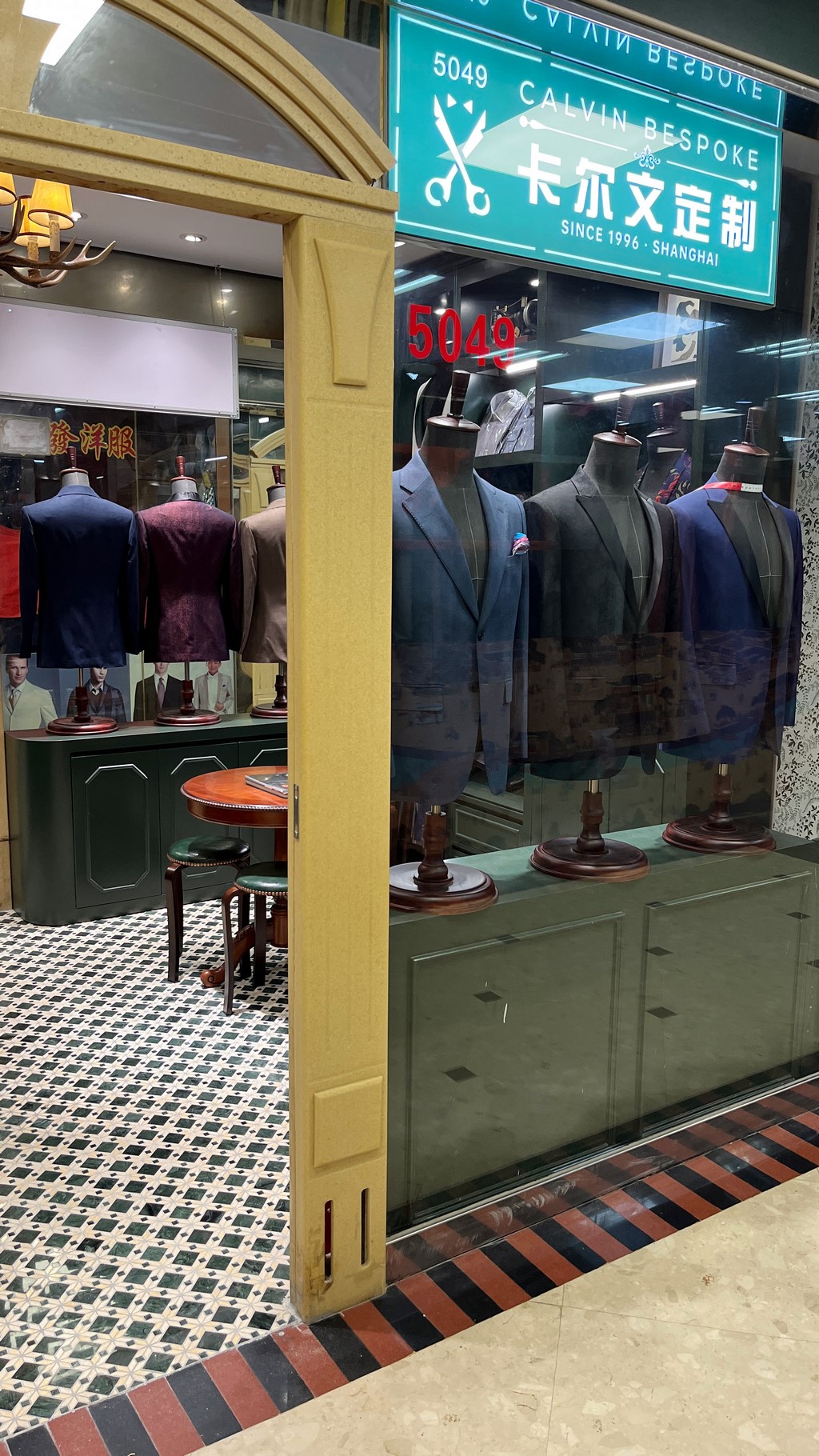
Calvin’s Tailor Shop
With over 25 years of experience in tailoring in Shenzhen, and thousands of customers served worldwide, we understand our customer's needs and can provide you with a very wide range of quality fabrics and accessories to match.
China Australia Chamber of Commerce South China
The China Australia Chamber of Commerce South China (AustCham South China) was established in 1994 to develop, promote and expand business relations between Australia and China through the representation of its membership.
Chuan Spa (The Langham, Shenzhen)
Chuan Spa’s extensive menu includes a variety of luxurious treatments, from facials and herbal salt scrubs to mud wraps, hand or foot therapies and body massages.
CM + Service Apartment Dongmen
Located in the center of Dongmen business circle with convenient transportation,around 100 meters away from the entrance F of Laojie subway station.
Choose Your DestinationStart Exploring Shenzhen,
Start Exploring Shenzhen,
Online, Now!
Events
The only stop you need to make online to find out what’s going on in Shenzhen
View Shenzhen Events
Guides
Leverage the most up to date and authoritative guides to our fast paced city.
View Shenzhen Guides